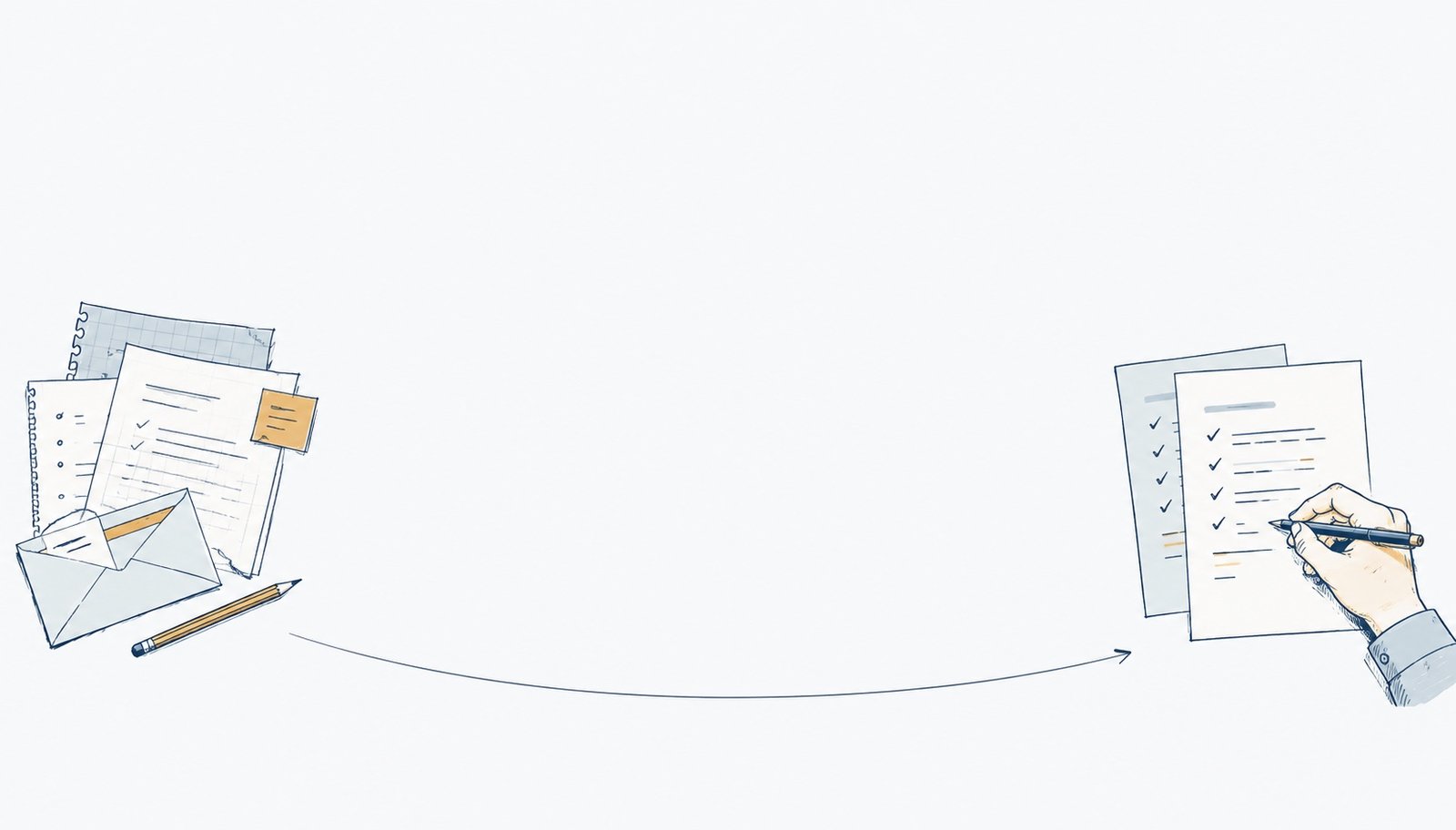
Find a useful starting point
Look at how your team works. Identify a task AI can help with, the tools it needs, and the costs to consider.
A written planPRACTICAL AI FOR YOUR BUSINESS
Compare quotes. Find answers in your documents.
Spot the questions your customers keep asking.
Prepared examples with sample data. No live AI request.
01 / COMPARE SUPPLIER QUOTES
Three proposals for IT support. Ten people in the office. Compare what’s included and what you’ll pay.
Extra each month in the small print
Cedar’s $120 headline excludes a required $35 per user.| Supplier | Monthly total | Setup | First year |
|---|---|---|---|
| Cedar IT | $470 | $300 | |
| Harbor TechnologyLowest sample total | $410 | $450 | |
| Juniper Support | $450 | $150 |
Harbor totals $5,370 in year one, $570 less than Cedar. Each covers weekday remote support and computer updates.
Compare these proposals for 10 users over 12 months. Include every required recurring fee and setup charge. Show the calculation, cite the relevant lines, and list missing terms. Do not assume renewal prices.
Check the charges and exclusions against each proposal before deciding.
Have something like this in your business?
Talk it through with KeithHELP WITH YOUR OWN BUSINESS
I help small and medium businesses choose AI tools, set them up, and teach their teams how to use them.
Look at how your team works. Identify a task AI can help with, the tools it needs, and the costs to consider.
A written planConnect the tools to the software you already use. Check data access, test the workflow, and keep you in control of the accounts.
A working setupWork through real examples with your team. Set rules for company data and show people how to review AI results.
Training and clear ground rules
THE FREE AI STARTER GUIDE
Choose a task, compare tools, understand how your team uses AI, and set ground rules before it touches client work.
Five short emails over ten days. Reply STOP at any time.
PRACTICAL GUIDES
What Copilot and ChatGPT each do well, the real per seat cost once licenses are counted, and when a small business needs neither of them.
Read the guideA four week AI pilot you can actually judge: one workflow, three to five people, a baseline week, real costs, and the four numbers that decide it.
Read the guideA six step plan for when an employee pastes client data into ChatGPT or another chatbot: what to delete, who to tell, and how to stop a repeat.
Read the guide
WHO YOU’LL WORK WITH
I have 25+ years of experience in IT. I run LeanToAI and Entori, a cybersecurity consultancy. I help businesses work through AI decisions, from choosing a first tool to training a team.
Security and data handling are part of that work. We review what the tools can access and what your team should check.
Talk to KeithLET’S WORK THROUGH IT
Tell me about your business and the task you have in mind. The first 30-minute call is free.
info@leantoai.com+1 424 235 5469Find your starting point with the AI readiness check